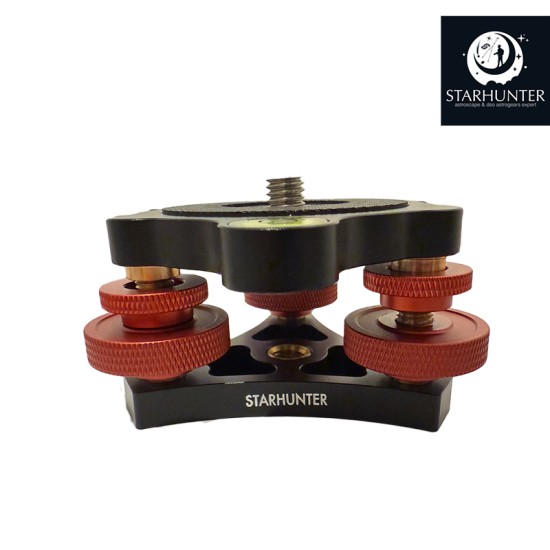
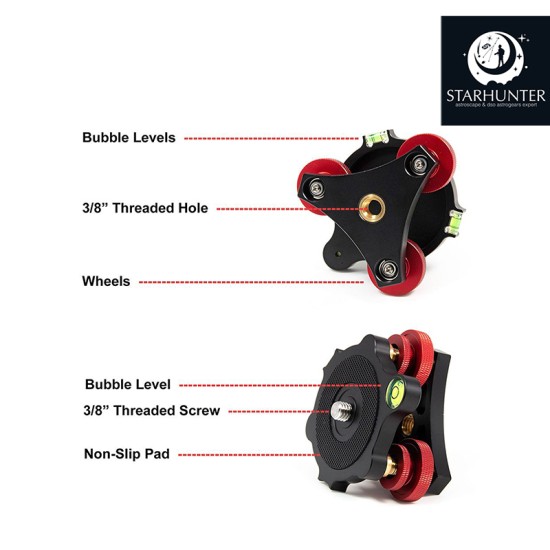
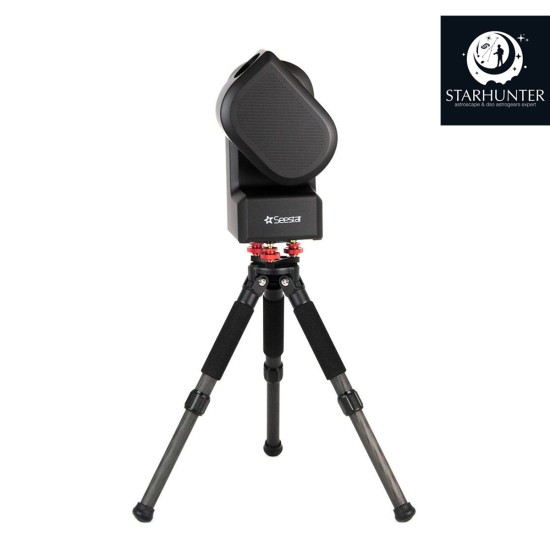
Step 1: Thread the bottom of the Leveling Base to the top of your tripod. The base uses a standard 3/8" tripod thread, which can attach to your smart telescope's tripod or any standard photography tripod. Then, thread the bottom of your smart telescope onto the top thread of the Leveling Base.
Step 2: Next, loosen the locking knobs (the smaller knurled knobs) by rotating them counterclockwise.
Step 3: Using the Seestar app's leveling feature (or the 3 built-in levels on the base if using another smart telescope), move the adjustment knobs up or down until the base is level.
Step 4: Tighten the locking knobs down again so they are flush against the larger adjustment knobs. Your smart telescope is now perfectly level!
We use cookies and other similar technologies to improve your browsing experience and the functionality of our site. Privacy Policy.